Qualifying a Carrier
Getting started with Qualifying a Carrier is easy!
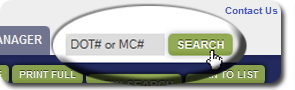
» Simply use the search box at the top right of every page to enter a DOT or MC/FF/MX Number and get results immediately.
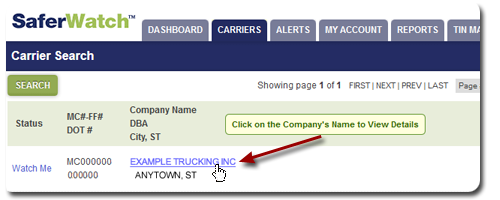
» Click on your carrier in the results window to view their instantly updated details on safety, authority, insurance and CSA BASICs.
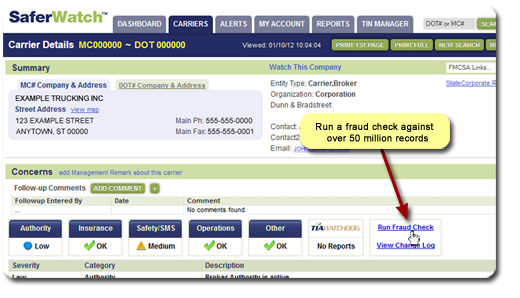
»For more Due Diligence, click Fraud Check to scan 50 million SaferSys record sources in seconds to help identify chameleon carriers. Look at any 'exact matches' in red to further refine a carrier's profile.
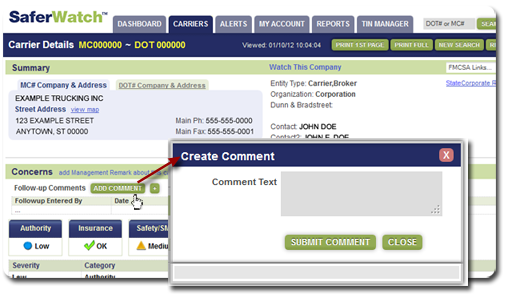
» Record carrier audits and development conversations with Follow-up Comments. By clicking ADD COMMENT, you are provided a window that allows 65,000 characters. Your comments become a permanent part of that carrier's record in your SaferWatch account.
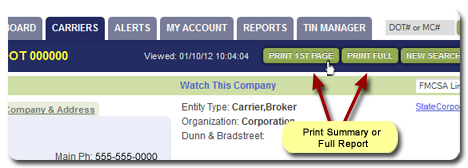
» Print a formatted Carrier Detail page for your file. OR, for the ultimate proof of due diligence, Log View on the MY ACCOUNT tab gives you instant access to the 'snapshot' of every carrier view by any of your users at any time.
If you have any questions about using SaferWatch, or would like to schedule Quick Start Training, please call (844) 878-9700. We are here to help!